How to Choose the Best Laptop: A Comprehensive Guide
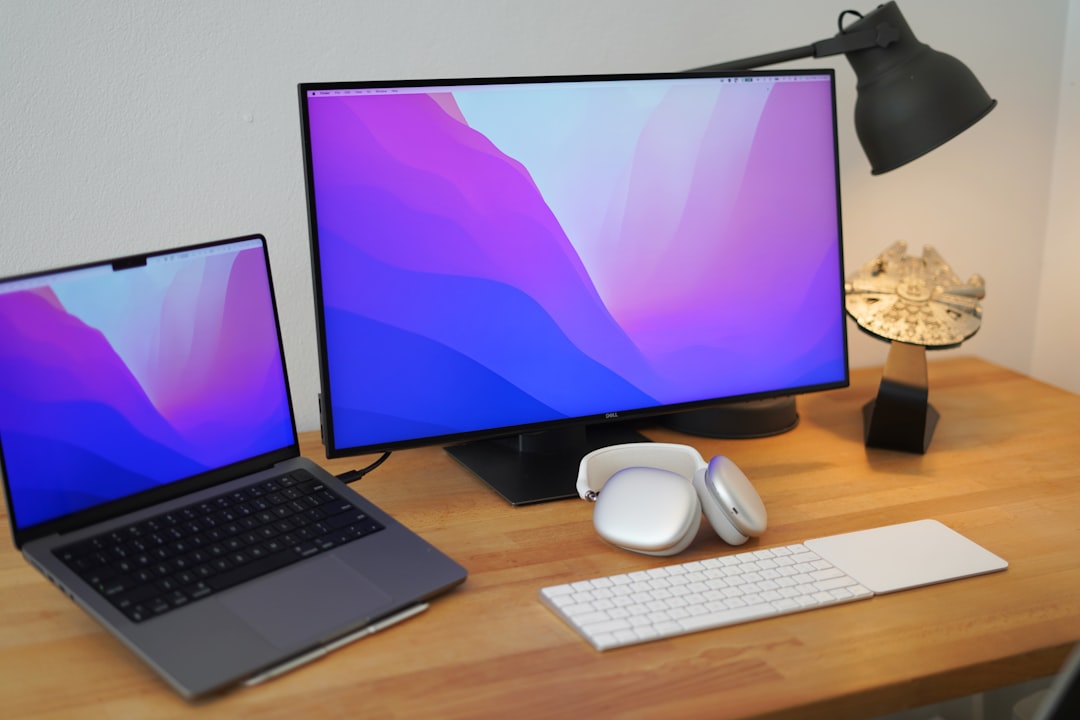
Learn how to select the perfect laptop for gaming, productivity, or everyday use, from gaming laptops to MacBooks and lightweight models.
Choosing the right laptop can be a daunting task with the variety of options available. Whether you're a gamer, student, professional, or casual user, the right choice depends on your primary activities and priorities. This article simplifies the process by categorizing laptops into four main types: gaming laptops, lightweight models, Snapdragon-based laptops, and MacBooks. Let’s dive into the key features, uses, and drawbacks of each category to help you make an informed decision.
Gaming laptops: Powerhouses for performance
Gaming laptops are designed for those demanding top-tier performance. These devices are equipped with advanced graphics cards, powerful processors, and high refresh display rates to handle resource-intensive tasks seamlessly.
Key Features:
- Dedicated graphics cards, like NVIDIA RTX series
- Ideal for gaming, AI machine learning, video editing, 3D rendering
- Heavy-duty cooling systems for performance
Example: A popular option is the Lenovo Legion series with Core i7 processors and RTX 5060 graphics, praised for high-end performance.
Pros:
- Handles any computationally intensive task with ease
- Delivers unmatched gaming experiences
- Supports software for creators, designers, and developers
Cons:
- Bulky and heavy (less portable)
- Poor battery life, typically lasting only 2-3 hours on heavy use
- Requires constant charging to leverage GPU fully
- High fan noise under load
Who Should Buy:
- Gamers
- Video editors working with 4K content
- Professionals in 3D modeling or heavy multitasking
If performance tops your checklist, a gaming laptop is an excellent choice despite its limitations.
Thin and light laptops: Balanced for portability
Thin-and-light laptops strike the perfect balance for users who need portability without compromising too much on performance. They usually feature Intel integrated graphics and mid-range processors, making them versatile enough for day-to-day operations.
Key Features:
- Slim and lightweight designs
- Optimized for portability and battery efficiency
- Integrated graphics (Intel UHD or Iris Xe)
Example: The MotoBook series with Intel Core i5 processors is a good representative of this category.
Pros:
- Easy to carry, especially for students and office-goers
- Decent battery life (up to 6-8 hours depending on usage)
- Fully compatible with most software due to Intel architecture
Cons:
- Limited performance for demanding tasks like heavy gaming or machine learning
- Lacks dedicated graphics cards, rendering it unsuitable for GPU-intensive applications
- Slower processing during multitasking compared to gaming laptops
Who Should Buy:
- Students
- Office professionals
- Casual users for tasks like documentation, presentations, and content consumption
Thin-and-light laptops are excellent for business travelers, light coding, and schoolwork.
Snapdragon-based laptops: Extreme portability
Snapdragon-based laptops, powered by ARM architecture, are for users seeking extended battery life and ultra-portability. These devices share design principles with smartphones, operating efficiently while maintaining low heat production.
Key Features:
- ARM-based Snapdragon X chipsets
- Exceptional battery life (10-20 hours depending on usage)
- Instant wake-up functionality, similar to smartphones
Example: ASUS VivoBook E6 with Snapdragon X chip is a representative of this emerging category.
Pros:
- Ultra-portable and lightweight
- Low fan noise and heat generation
- Long-lasting battery life, perfect for light users on the go
Cons:
- Poor performance with software optimized for Intel processors
- Compatibility issues with some professional applications
- Unsuitable for heavy tasks like machine learning or running virtual machines
Who Should Buy:
- Frequent travelers prioritizing battery life
- Business executives needing lightweight laptops for presentations
- Users focusing on light tasks like browsing, documentation, or streaming
Snapdragon laptops can rival MacBooks in efficiency but fall short in handling complex operations.
MacBooks: For smooth and efficient workflows
Among Apple’s ecosystem, MacBooks stand out as the choice for those who prioritize energy efficiency, design, and creative workflows. MacBooks run on Apple Silicon chips (e.g., M1, M2, etc.), which integrate seamlessly with macOS for optimized performance.
Key Features:
- Chips with ARM-based architecture (e.g., M1 chip)
- Built for efficiency and battery optimization
- Polished software environment with native macOS apps
Example: MacBook Air M1, equipped with an 8GB RAM and 256GB SSD configuration, remains a reliable option for general users.
Pros:
- Superior battery life compared to Intel-based laptops
- Fanless models are completely silent
- Optimized performance for creative software
Cons:
- Limited compatibility with Windows-only software
- Gaming capabilities are minimal
- Upgradability is non-existent (RAM and storage cannot be modified post-purchase)
- Expensive compared to Windows laptops with similar specifications
Who Should Buy:
- Content creators, graphic designers, and video editors
- Professionals thriving in Apple’s ecosystem (developers, marketers)
- Users looking for smooth, reliable performance with minimal errors
MacBooks are solid tools for professionals but may not cater well to gamers or tech enthusiasts preferring upgradability.
Final Verdict
Match Your Needs to the Right Laptop:
- For raw power: Choose a gaming laptop
- For portability with balanced performance: Opt for thin and light laptops
- For long battery life: Consider Snapdragon laptops
- For creative workflows: Go with a MacBook
Understanding your unique usage requirements is key to making the best choice. Always assess your priorities—whether that’s power, portability, compatibility, or battery life—before investing in a new laptop.
Staff Writer
Alex covers consumer electronics, smartphones, and emerging hardware. Previously wrote for PCMag and Wired.
Comments
Loading comments…


