Why Android Beats iOS in Usability and Notification Management
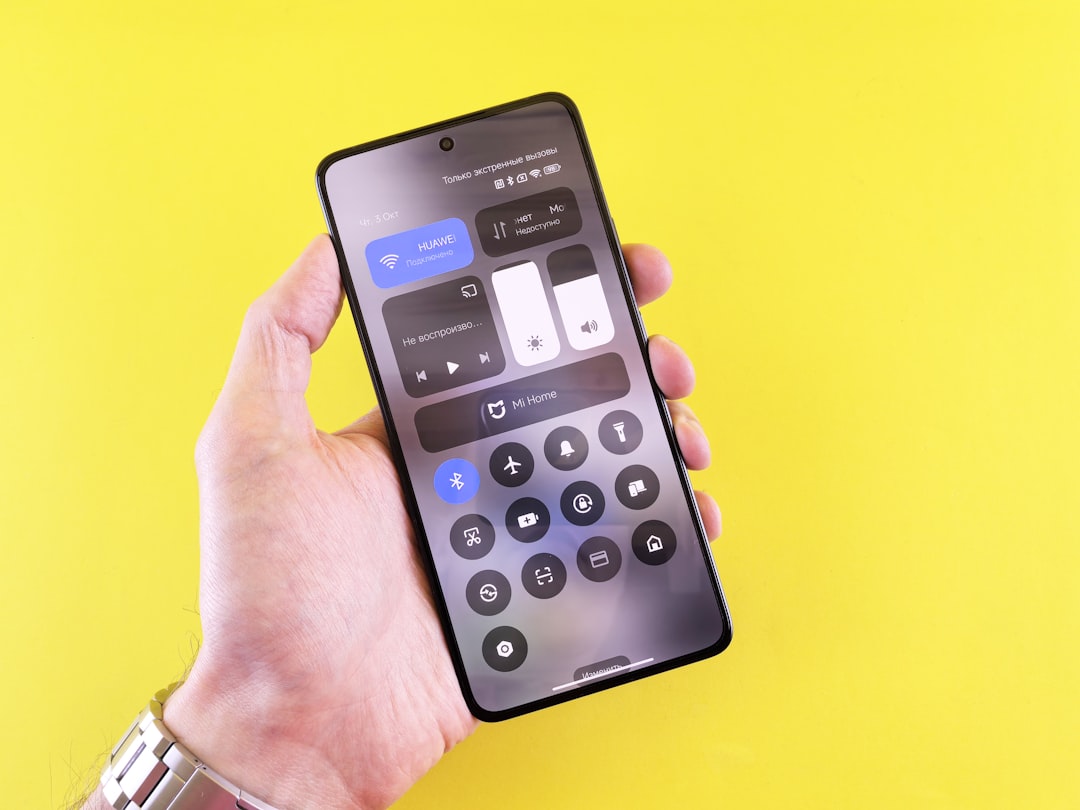
Android outshines iOS in key areas like notification management, usability, and autocorrect functionality, making it a favorite for many users.
When comparing Android and iOS, opinions about which operating system reigns supreme often lead to heated debates. For some users, however, the gap isn’t even close: Android clearly wins in terms of usability, notification management, and overall convenience. Here's a breakdown of why Android outshines iOS, particularly in areas that matter most during day-to-day use.
Superior Notification Management
Notification management accounts for a huge portion of the user experience when it comes to smartphones. Android has consistently been superior in this department, offering tools and features that give users a sense of control over what is important and what isn’t.
Android allows users to easily categorize their notifications, prioritize important ones, and silence those that don't require immediate attention. The platform makes triaging notifications simpler, enabling you to focus without constant distractions. Silent notifications are neatly tucked away, requiring minimal input from the user.
On the flip side, iOS struggles to deliver a comparable experience. Notifications on iPhones often feel cumbersome and intrusive, with limited categorization options and an overreliance on Apple’s "intelligence" features like Focus Mode—tools that many users find overly rigid and ineffective.
Usability and Navigation
Android's design philosophy prioritizes ease of use, and its navigation system is a testament to that. Simple gestures, like swiping down to access notifications and swiping up to open the app drawer, feel intuitive and natural. In contrast, iOS relies on multiple swipe directions—like swiping down from various sections of the screen for different functions—making it less user-friendly, particularly for new users.
Another advantage is that Android doesn't bombard users as much with unnecessary interactions. As one die-hard Android fan put it, they found themselves looking at their phone less often on Android compared to iOS. The reduction in needless interruptions can vastly improve your overall interaction with the device and make it a less distracting presence in your life.
Better Autocorrect and Typing Experience
Autocorrect functionality might not immediately stand out as a decisive factor in choosing an operating system, but anyone who’s spent enough time typing on their phone will understand its significance. Android’s keyboard seems to perform better in this regard, delivering more accurate predictions and fixes. With iOS, mistakes can often persist or be "corrected" into something less helpful, leading to more frustration during prolonged use.
The addition of swipe typing on Android devices also makes a big difference. While this feature is technically available on iOS with third-party options, Android makes it more seamless and deeply integrated into its user experience.
Why Apple Is Falling Behind
Apple has long touted its "intelligent" features to solve usability problems, yet user feedback remains mixed. Tools like notification summaries and Focus Mode are marketed as cutting-edge but tend to overestimate their usability. Android, by comparison, focuses on empowering the user directly, giving them granular tools to manage their own experience.
Another iOS limitation is its insistence on form over function. The system’s aesthetic consistency is admirable but doesn’t always translate to better usability or flexibility. Many users would prefer functionality—like a smarter notification system—over an elegant but restrictive design.
| Feature | Android | iOS |
|---|---|---|
| Notification management | Prioritization, silent modes | Limited tools, more intrusive |
| Navigation | Swipe-down notifications, | Multiple swipe gestures, |
| user-friendly organization | less intuitive layout | |
| Autocorrect functionality | Accurate and adaptive | Mistakes persist |
| AI "intelligence" usage | Minimal reliance | Heavy focus, less effective |
Practical Takeaways
- Control Over Notifications: Android gives you comprehensive tools for customizing your notification experience, helping to reduce unimportant interruptions.
- Ease of Use: The streamlined navigation gestures on Android make it more intuitive compared to the complexities of iOS.
- Typing Accuracy: If you frequently find yourself correcting mistakes or frustrated by autocorrect, Android’s keyboard is likely to feel like a breath of fresh air.
- Reduced Distractions: Many users report spending less time looking at their phones with Android, thanks to its better notification handling.
- Smarter Design Philosophy: Android emphasizes flexibility and user preference, whereas iOS leans heavily on its one-size-fits-all intelligence features.
Final Thoughts
Ultimately, the choice between Android and iOS comes down to personal preference. However, in practical areas like notification management, usability, and typing, Android clearly has the upper hand. Its user-focused tools and intuitive design enable a more streamlined, less intrusive phone experience. This isn't to say iOS doesn’t have its merits, but for many users, Android is undeniably the more practical choice.
Comments
Loading comments…


