Building a NAS: A Step-by-Step Look at the Hardware and Setup Process
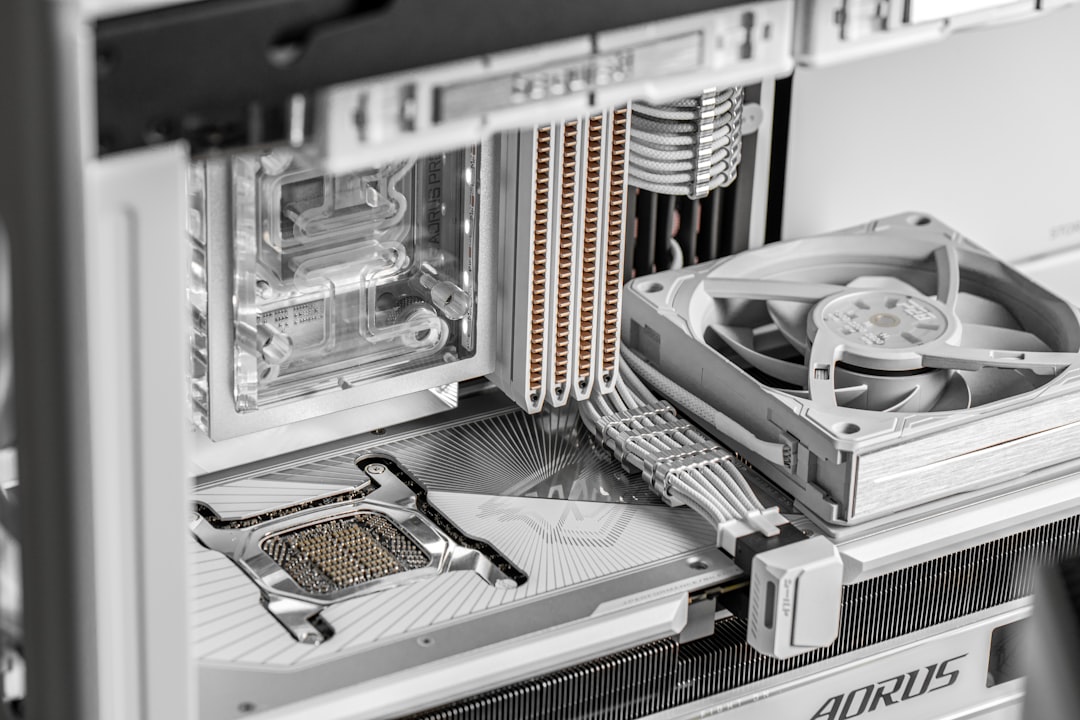
Plouffe builds his first NAS with components including Intel, ASUS, and Seagate. Here's a look at the parts and his experience setting it up.
NAS (Network Attached Storage) systems are increasingly in demand for home use, providing centralized storage for data backups, media sharing, and more. In a recent project, Plouffe of Linus Tech Tips embarked on building his first NAS, walking viewers through the hardware and setup process.
The Plan
The goal of the project was straightforward: to assemble a functional NAS that could handle data storage reliably. Plouffe chose a selection of components tailored for such a build, opting for hardware that balances performance and affordability. Here's how he went about it.
The Hardware
The build features the following components:
- Processor: Intel Core i3 12100 (4 cores, 3.30 GHz) provides a reliable and efficient CPU for managing NAS tasks.
- Motherboard: ASUS Prime B760M-A D4 LGA1700, supporting the processor and providing connectivity options.
- Power Supply: Two options were available: the Silverstone Technology 450W SFX Form Factor 80 Plus Bronze and the Silverstone Extreme 500 Bronze 80 Plus Bronze. Both provide compact and efficient power delivery suitable for a NAS.
- Storage: Seagate IronWolf Pro 8TB Enterprise NAS drives were chosen for their reliability and enterprise-grade performance.
- Case: Two cases were options for the build—the JONSBO N6 NAS PC case and the JONSBO N5 NAS PC case. Both provide compact designs tailored for NAS setups.
Each of these components was selected for its compatibility with the build and suitability for NAS applications. The build process began with assembling these parts into a cohesive system.
Storage and Software
Storage is at the core of any NAS, and the Seagate IronWolf Pro drives were highlighted for their large capacity (8TB per drive) and durability. These drives are designed specifically for NAS usage, with enterprise-level reliability to handle continuous operation.
Once the hardware was assembled, the focus shifted to software installation. While the specific software wasn’t detailed in the briefing, a NAS build typically involves setting up an operating system like FreeNAS, TrueNAS, or Unraid. These systems allow users to configure storage pools, manage data, and enable network sharing for connected devices.
The Build Experience
With the hardware and software in place, Plouffe shared his thoughts on the building process. His experience illustrated the challenges and rewards of constructing a NAS from scratch. While the video likely provided further detail on any obstacles faced, the project underscored the importance of selecting well-matched components for a smooth setup.
Why Build a NAS?
For those wondering whether building a NAS is worth it, this type of storage solution offers several advantages. A NAS provides centralized data storage accessible across multiple devices, making it ideal for file backups, media streaming, and even hosting small-scale servers. Compared to prebuilt options, custom NAS builds can be tailored to specific needs, offering flexibility in terms of capacity, performance, and budget.
What’s Next?
While the project served as an introduction to NAS building for Plouffe, it also inspired viewers to consider their own storage solutions. For those interested in replicating this build, detailed hardware links and additional resources were provided in the video description. These include affiliate links that support Linus Media Group when used for purchases.
Final Thoughts
For tech enthusiasts or anyone experiencing storage limitations, this NAS build project serves as both an inspiration and a practical guide. By pairing reliable components like the Intel Core i3 12100 and Seagate IronWolf Pro drives, Plouffe demonstrated an effective way to meet data storage needs. Whether this particular combination of hardware works for you will depend on your budget and requirements, but the fundamentals of this guide apply to almost any custom NAS setup.
Staff Writer
Alex covers consumer electronics, smartphones, and emerging hardware. Previously wrote for PCMag and Wired.
Comments
Loading comments…


