Tesla introduces custom automation features: what 'software first' means in practice
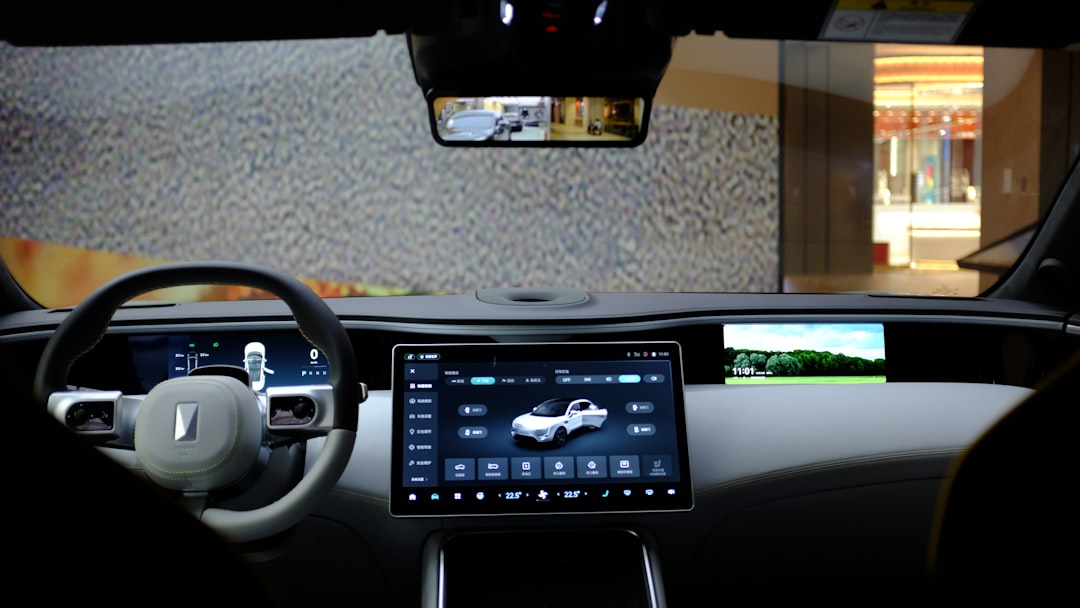
Tesla's new automation app empowers users to create custom macros for vehicle settings, showcasing its 'software first' approach to car design.
Tesla continues to push the envelope with its commitment to a 'software first' philosophy, evidenced by its latest feature: a new automation app. This tool allows users to create custom macros, effectively automating certain vehicle functions based on defined triggers. While this feature is currently limited to Tesla owners in China, it is poised for a wider rollout that could soon include the US and Europe.
With a user interface similar to Apple's Shortcuts app, Tesla's automation tool opens up new possibilities for customizing how your car integrates into your daily routine. Here’s a detailed look at what the app offers and how it enhances the Tesla ownership experience.
What the new Tesla automation app does
The app enables drivers to define actions that their Tesla vehicles can perform automatically, triggered by specific conditions. Users can create automations based on various categories such as climate control, lighting, navigation, and car settings. These automations could range from a simple task like adjusting the cabin temperature to complex actions incorporating multiple conditions.
Example use cases
- Climate adjustments: Automatically activate seat heaters if the outside temperature drops below a certain threshold.
- Lighting settings: Turn on interior accent lighting when it gets dark outside.
- Navigation shortcuts: A voice command like "Take me to mom's house" sets the navigation to a pre-saved address.
- Safety configurations: Ensure windows close automatically when the air quality index (AQI) goes beyond a certain level.
The app is not only practical but also gives drivers a new level of convenience and personalization in their daily driving routines.
Key features of the Tesla automation app
Tesla’s automation app splits its functionalities into triggers, conditions, and actions, enabling users to fine-tune their vehicle’s behavior.
Triggers
Triggers initiate the automation and include:
- External factors: Weather conditions, time of day, and AQI
- Vehicle states: Speed, gear position, or battery level
- User actions: Opening a specific car door, seatbelt status, or a spoken command
Conditions
Conditions add extra layers of customization. For instance, an automation might activate only if the driver’s door is open and the outside temperature is below 10°C. By combining multiple conditions, users can create highly specific scenarios.
Actions
Actions represent what the vehicle will do once the trigger and conditions are met. These include:
- Adjusting seat positions or climate control
- Controlling door locks, window positions, or child locks
- Setting navigation destinations
- Playing specific music
How the Tesla app interface works
The app’s interface is designed for simplicity and ease of use. Predefined automations are displayed as tiles, and users can create new ones using a step-by-step wizard that guides them through selecting triggers, applying conditions, and defining actions. These steps ensure minimal effort is required to set up highly customized configurations.
For example, a driver could set up a macro so that when the front driver’s door opens and the passenger door remains closed, and if the exterior temperature is below 10°C, the car will audibly announce, “Door opened.” This showcases the flexibility of the system and its user-friendly design.
Practical examples of Tesla macros
- Seatbelt reminders: If a rear passenger seat is occupied but the seatbelt is not fastened, the car can automatically remind passengers to buckle up. This is particularly useful for Uber drivers or parents.
- Speed notifications: When the car exceeds a set speed limit, the vehicle could notify the driver with a custom message like, "Please reduce speed." This is handy for younger or less experienced drivers.
- Navigation prompts: Automate directions to the nearest charging station once the battery level drops below 20%.
- Window controls: Close windows automatically when it starts raining or when poor air quality is detected.
- Custom greetings: Play a specific welcome message or favorite song upon entering the car.
Comparison: Tesla automation app vs Apple Shortcuts
While users often compare Tesla’s automation feature to smartphone apps like Apple Shortcuts, Tesla’s implementation is designed specifically for enhancing the driving experience.
| Feature | Tesla Automation App | Apple Shortcuts |
|---|---|---|
| Environment-specific triggers | Yes | Limited |
| Vehicle state integration | Yes | No |
| Navigation functionality | Integrated | App-dependent |
| Customizable spoken actions | Yes | Yes |
| Accessibility on mobile | Integrated in Tesla system | Standalone app |
Tesla’s solution excels by being entirely vehicle-centric, enabling features that smartphones cannot replicate natively.
Why Tesla’s software-first philosophy matters
The automation app not only highlights Tesla’s focus on expanding the practicality of its vehicles but also demonstrates how deeply software is integrated into the company’s vision. Unlike competing automakers that primarily focus on hardware, Tesla views software as key to enhancing the driving experience and vehicle capabilities.
Tesla’s innovative use of this software-driven approach shows why the company remains ahead in terms of user experience. By introducing features like custom macros, Tesla creates a more holistic and adaptable driving environment, further aligning the car with the needs of its owner.
Final thoughts
The Tesla automation app exemplifies the benefits of a software-centric approach in the automotive industry. Giving users the power to design custom automations offers functionally limitless opportunities for car personalization, efficiency, and safety. While the feature is currently limited to certain markets, its wide adoption could redefine how consumers interact with their vehicles.
In the end, Tesla once again emphasizes why it’s not just a car but a continuously evolving tech platform embedded in a vehicle. With functionalities like these, Tesla keeps setting the bar for what ‘software-first’ really means in practice.
Staff Writer
Mike covers electric vehicles, autonomous driving, and the automotive industry.
Comments
Loading comments…


