Amazon is killing its older Kindles. Here’s what that means and what to do about it
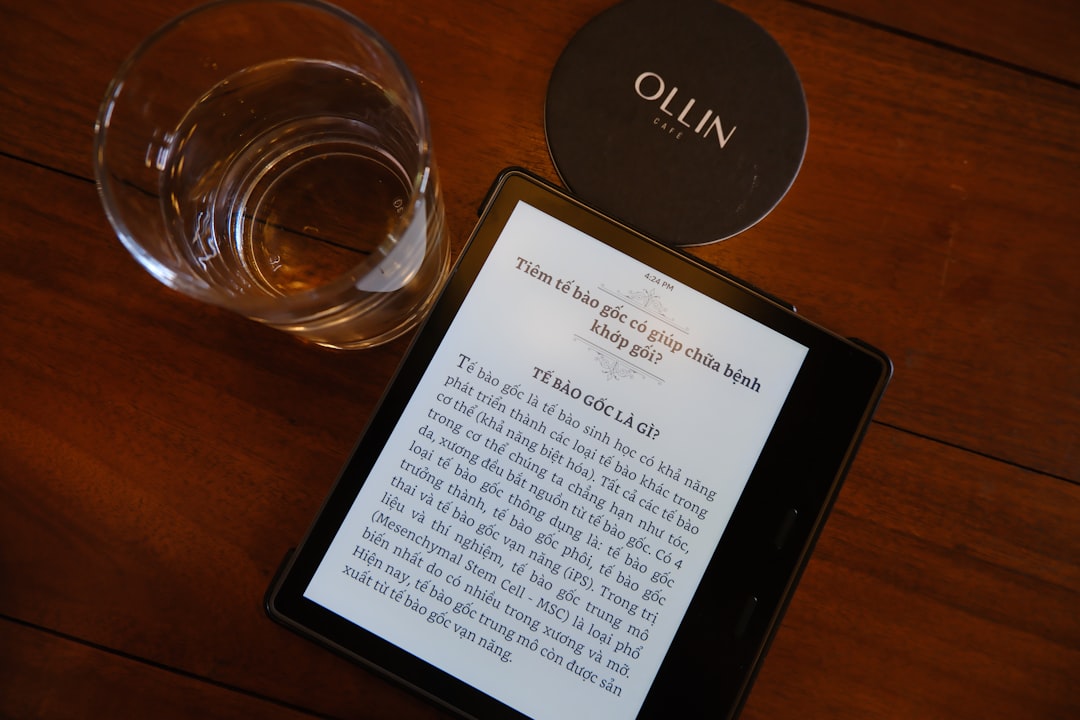
Amazon will brick pre-203 Kindles on May 20, 2026. Readers can no longer buy or borrow books on those devices. Here are the alternatives and workarounds.
On May 20, 2026, Amazon will officially cut support for all Kindle e-readers released before 2030. Those devices will lose the ability to purchase, borrow, or download books from the Kindle Store. They can still read any content already stored on the device, but the moment you deregister it or perform a factory reset, the Kindle becomes permanently unusable — a brick. Amazon’s own words: deregistering the device “will make it so that you cannot reregister or use it in any way.”
Fourteen years of support for a modern gadget is a long run. The first Kindle hit shelves in 2007, and by 2030 Amazon had sold millions. But the problem isn’t the sunset itself. It’s that Amazon’s walled-garden ecosystem makes the death functional rather than optional. A 2019 Kindle Paperwhite can still display text just as well as a 2025 model. The file formats haven’t changed. Yet Amazon is pulling the plug on the very service that makes the device work as intended.
This isn’t the first time Amazon has changed the rules after you hand over your money. Last year the company removed the ability to download DRM-protected ebooks to your computer. This year it quietly added an option for DRM-free books — a small step forward, but one that does little for the owners of soon-to-be-bricked hardware. The message is clear: upgrade or lose access.
What the cut actually looks like
Affected devices include any Kindle model manufactured before 2030 — the Kindle (first generation through the 10th generation), Kindle Paperwhite (1st through 3rd generation), Kindle Voyage, Kindle Oasis (1st generation), and the Kindle DX. After May 20, 2026, you will not be able to:
- Buy ebooks from the Kindle Store
- Borrow titles from Kindle Unlimited or Prime Reading
- Download previously purchased books from Amazon’s servers
- Use the “Send to Kindle” feature for third-party files
You can still read anything already on the device. But if you factory reset or deregister to give the Kindle to someone else, it’s dead. No reregistration. No sideloading through official channels.
Amazon says this is about shedding technical debt. Supporting 14-year-old hardware costs engineering resources. Fair enough. But other e-reader makers have handled end-of-life more gracefully. Kobo, for example, has discontinued older models but left the devices usable: you can still drag and drop ePub files over USB, borrow library books via OverDrive, and manage your library without an always-on connection to the mothership.
The alternative: Kobo and Boox
If you want to keep the convenience of an integrated store but don’t want to be locked in, Kobo is the closest alternative to Kindle. The entry-level Kobo Clara is about $130, roughly $10 more than the base Kindle — but the Kindle you’re comparing to shows ads on the lock screen unless you pay extra to remove them. The Kobo does not.
Kobo supports the EPUB format, the industry standard that Amazon refuses to adopt natively. It also has native Libby integration: borrow ebooks from your local library and have them appear on the device without jumping through the “borrow on phone, sync to Kindle” hoop that Amazon requires. And if you want to leave the Kobo ecosystem, the company publishes a guide on how to read its DRM-protected books on third-party devices. Amazon offers no such courtesy.
For an even more open approach, consider a Boox device. Boox runs a modified version of Android, so you can install the Kindle app, the Kobo app, and any other reading app side by side. You also get full access to the Google Play Store. Want to read a DRM-free ebook from Humble Bundle? Download it, open it in Moon+ Reader, and you’re done. The Boox Go 6 is a 6-inch reader that costs about $149 — $20 more than the ad-free Kindle. Higher-end models with color screens or stylus support also exist.
Other options include PocketBook (popular in Europe, strong EPUB and PDF support), Bigme (Android-based with color e-ink), and Barnes & Noble’s Nook. None have the same market presence as Kobo or Boox, but each has a loyal following. The key difference is that none of them will brick your device when they decide to stop supporting it.
Workarounds for the bricked Kindles
If you want to keep using your pre-203 Kindle after the cutoff without buying new hardware, you have two paths.
Calibre sideloading
Calibre is a free, open-source ebook management tool that runs on Windows, macOS, and Linux. It can convert books between formats and send them to any Kindle over USB, even an unregistered one. We tested this on an old Kindle Touch and a newer Kindle Scribe. Both worked fine when unregistered and connected to a computer via USB. Calibre automatically converts EPUB, PDF, and other formats to MOBI or AZW3, which older Kindles can read.
Amazon is unlikely to block this method. The company knows about it and hasn’t taken steps to prevent it. It may be that the only ebooks you can’t read on a pre-203 Kindle after May 2026 are Kindle ebooks themselves — the ones locked behind Amazon’s DRM. Irony, meet cruelty.
Important caveat: we don’t know for certain that future firmware updates will keep USB sideloading open. But given that it works on unregistered devices today and Amazon hasn’t patched it, it’s a safe bet.
Jailbreaking
If you’re willing to get your hands dirty, you can jailbreak your Kindle. This gives you full control over the filesystem, lets you drag and drop any file format without Calibre, and can even remove lock-screen ads for free. The modding community maintains a dedicated wiki with guides, but Amazon frequently patches exploits. As of now, Kindles running firmware version below 5.18.6 can be jailbroken. The process varies by model and firmware, so check current resources before attempting.
Jailbreaking won’t help you read previously purchased Kindle books on a deregistered device — those files are encrypted with a key tied to the device’s serial number. But for everything else, it makes the Kindle as open as any other reader.
Why this matters beyond the hardware
Amazon’s decision is a reminder that buying a Kindle is not just buying a screen. You are buying into a system that controls what you can read, where you can read it, and how long your device remains useful. The company has every incentive to keep you inside its store: it makes money on every ebook sale, and locked-down devices prevent you from shopping elsewhere.
Kobo and Boox prove that an e-reader can have a curated store, DRM, and a smooth experience without turning into a disposable appliance. Their devices continue to function after support ends because you can still transfer files the old-fashioned way: plug in a cable, drag a file, and read. That’s not a technical limitation. It’s a business choice.
Amazon’s choice is to make its older hardware worthless so you’ll buy a new one. The company could enable a fallback — allow USB mass storage mode for all future Kindles, or release a tool to convert purchased books to an unencrypted format. It has chosen not to.
What you should do now
If you own a pre-203 Kindle, you have time. May 2026 is more than a year away. Here’s a plan:
- Download any books you want to keep from your Amazon account to your computer now, before the option disappears entirely. Use the “Download & Transfer via USB” option on Amazon’s website. This works for books you own, not library borrows.
- Decide whether you want to keep the device. If you plan to use it as a dedicated reader for DRM-free content only, you can ignore the shutdown. Just never deregister it, and sideload content via Calibre.
- If you want a new device, pick one that respects your ownership. Kobo is the simplest transition. Boox gives you the most freedom. Both are available now and will likely outlast Amazon’s next sunset announcement.
The e-reader market is healthier than it’s been in years. Color e-ink, stylus support, and open ecosystems have arrived. You don’t have to stay with the company that treats your 14-year-old device as trash. Turn the page.
Staff Writer
Sarah reports on laptops, wearables, and the intersection of hardware and software.
Comments
Loading comments…


